Going Beyond Powerpoint: 5 Tips for Creating Presentations That Don't Suck
Raise your hand if you hate sitting through uninspiring powerpoint presentations. If you raised your hand you’re not alone because both of my hands are raised. There is nothing more disappointing than a lackluster presentation. As a visual artist I take pride in aesthetics and as an educator I take pride in effective teaching and learning. If you want to get better at designing presentations, keep reading.
Presentations should serve as an effective and engaging way to get your point across. As a college administrator and consultant who has facilitated hundreds of presentations over my 10 plus year career, I consider myself a presentation pro. Over the years I have developed some best practices that I am sure will impress your audiences no matter your industry. Here are five tips that will help you to design presentations that don’t suck.
Create an Outline
This may seem obvious but having a plan is essential. It‘s easy for you and your audience to lose focus during your presentation when you do not have an outline. Outlines allow you to make every word and image count. Some key elements of an outline include: setting a goal, analyzing the audience, and organizing the content.
Don’t Be Text Obsessed
Let’s face it, no one wants to read a million words per slide during your presentation. With that being said, keep the text minimal with no more than a title and three bullet points per slide. Let each slide breathe and I promise that your audience will be more engaged.
Design Matters
The way that your slideshow looks is just as important as its contents. To that end, be sure to add visual elements such as illustrations, photos, and videos to add more visual interest. There are several free resources such as Google images, Slides Mania, and Slide Carnival that provide beautiful imagery and slide themes for Power Point and Google Slides. Take the extra time to choose a non-standard slide theme as well as choosing images that capture the essence of your message.
Use Animations and Transitions
Movement is so exciting when you are stuck behind a screen watching a presentation so i highly suggest the careful placement of text animations and slide transitions throughout your presentation because when used correctly they create a visually appealing and creative touch to your presentation.
Make It Interactive
Anything that you can do to get the participants involved is a plus.Use audience polls and open ended prompts to keep your audience engaged, My favorite poll platforms are Slido and Poll Everywhere. Create engaging polls that relate to your main topic and your audience will become more active and present.
Lonnie Woods III is a student affairs practitioner specializing in career development within the visual and performing arts and art professions. Lonnie currently serves as Professional Development Coordinator for the Arts Administration program at Teacher's College, Columbia University, and he is a Teaching Artist for the Brooklyn Academy Of Music's Education Department while balancing a career as a freelance lifestyle blogger and content creator at his site: lonniewoodsthethird.com.
Career Update: Whitney Museum Workshop
Hello Tribe,
Last year I took a chance and left my full-time role to focus on my lifestyle brand and professional path as a teaching artist, consultant, contractor and creative careers expert.
Needless to say, that was an unconventional move, but I I knew it was necessary for me to get to my next level.
One of my major goals was to to have more time to partner with arts organizations to host relevant and fresh workshops and events for teens.
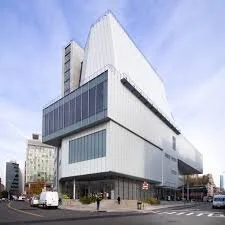
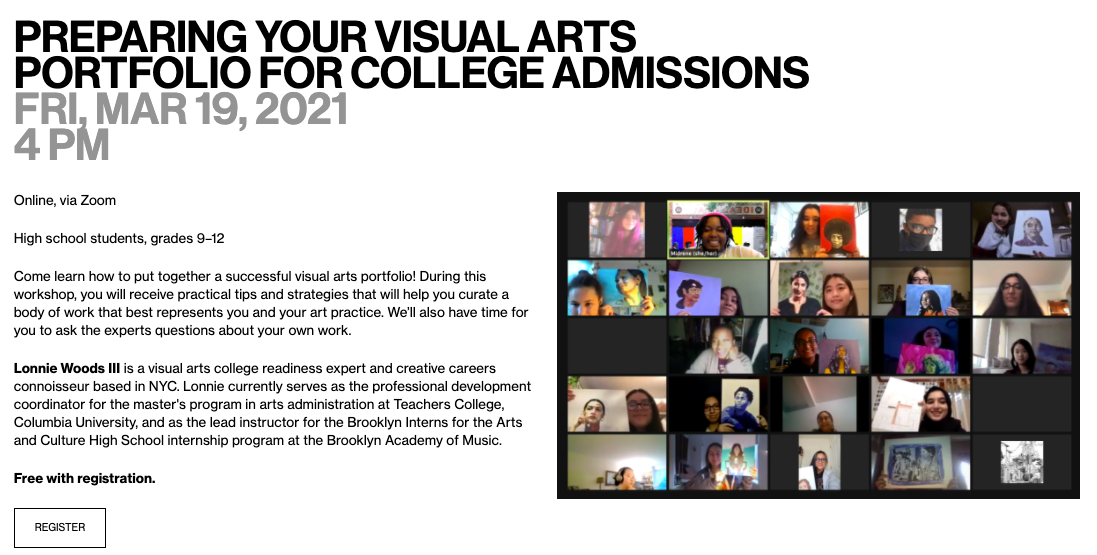
Well, almost a year later I am excited to share that I will be hosting a workshop this month at the Whitney Museum of American Art focusing on helping emerging artists prepare for college.
The event is free with registration for students grades 9-12. Please share with your relevant student groups and school partners. I would love for this event to have great reach so that I can continue to prove my value:)
Thank you for your support and thank you for seeing my light.
Here are the details for the event
Preparing Your Visual Arts Portfolio for College Admissions
FRI, Mar 19, 2021@4 pm
Come learn how to put together a successful visual arts portfolio! During this workshop, you will receive practical tips and strategies that will help you curate a body of work that best represents you and your art practice. We’ll also have time for you to ask the experts questions about your own work.
Lonnie Woods III is a visual arts college readiness expert and creative careers connoisseur based in NYC. Lonnie currently serves as the professional development coordinator for the master's program in arts administration at Teachers College, Columbia University, and as the lead instructor for the Brooklyn Interns for the Arts and Culture High School internship program at the Brooklyn Academy of Music.
Free with registration.
In love, peace, and style,
Lonnie
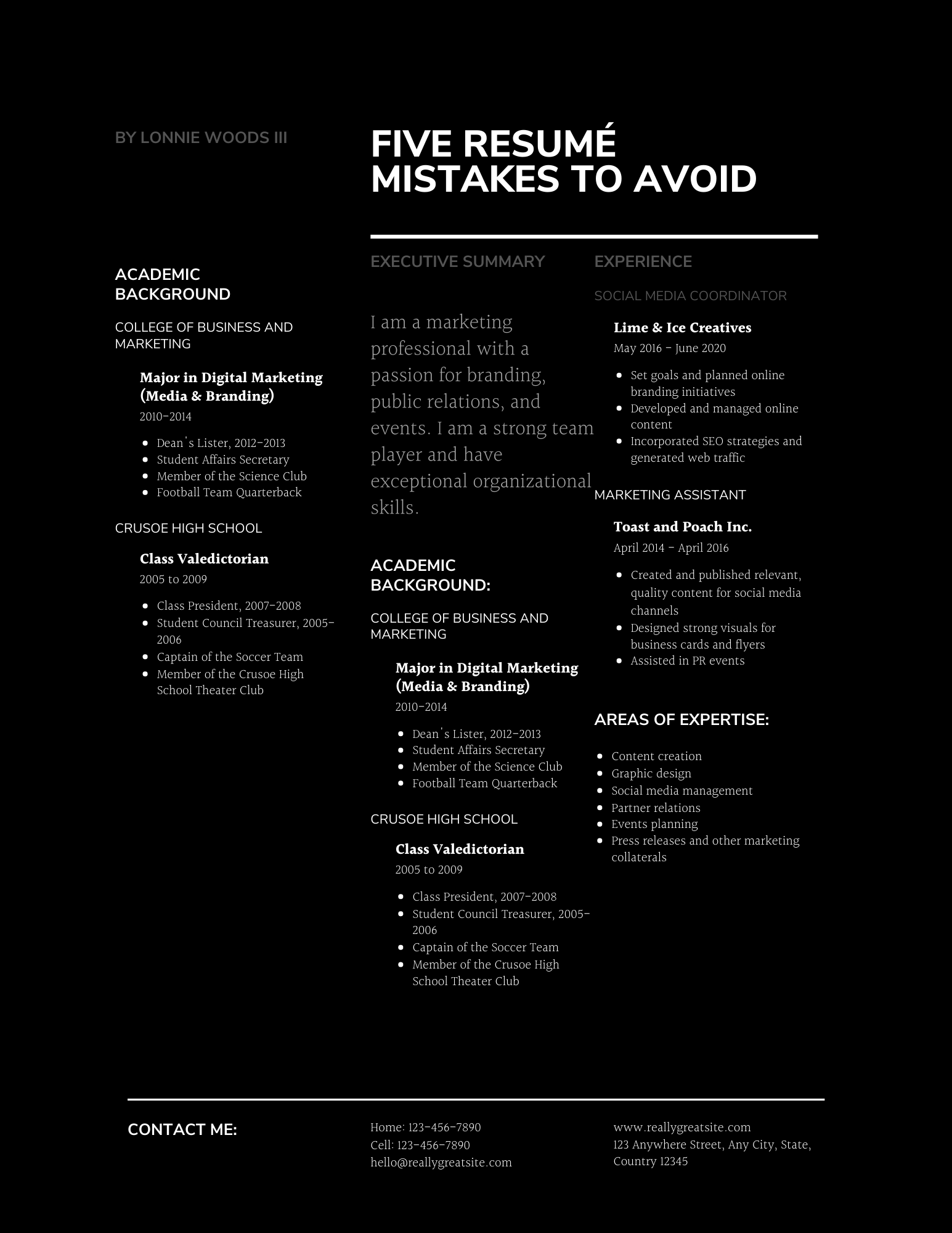
The 5 Resumé Mistakes to Avoid
Over the past ten years I have reviewed hundreds of resumes as a professional career coach in higher education and as a consultant to private clients. During my many resume reviews I often come across common mistakes that job seekers make on this key document. Below I have compiled a list of the top 5 common resume mistakes.
Resume Length
According to Glassdoor.com “the average recruiter or hiring manager spends 6 seconds reading a resume.” In the United States the recommended length for a resume is one page. Many resume writers think that the longer the resume the more impressive it is but that is not necessarily the case. Resumes are summaries of your work and education experience that offer a snapshot of who you are professionally and being that it will be reviewed within a few seconds it’s important to keep it concise and at one page in length.
Vague job descriptions
The job description portion of your resume is arguably the most important section because it is where you describe your past work experiences. When writing job descriptions it is important to be clear and descriptive, making sure to include your technical job responsibilities as well as measurable ways that you made an impact on the role. Start each description with with action words and quantify numerical stats as much as possible to illustrate the positive results of the impact you had on the role.
Example of a Well Written Resume Job Description:
Office Manager, Dedicated Law Firm | June 2019 - May 2020
Managed office services including mail operations, customer engagement, and electronic legal document processing in a fast-paced corporate law firm with 60+ employees
Established a historical reference for the office by outlining procedures for protection, retention, record disposal, retrieval and staff transfers
Increased the efficiency of contract development procedures by 22% by transitioning physical documents into digital format

Image: TheBalanceCareers,com | I do not own the rights to this image
Summary vs Objective
n my opinion objectives are outdated and should not be included on your resume.If you choose to add a summary or objective to your resume be sure to know the difference between the two. Summaries can be useful especially for mid-level career changers and those with a substantial amount of work experience in a particular field. On the other hand, resume summary statements are not always ideal for job seekers with little experience or notable gaps in their resume. Often times job seekers use the terms summary and objective interchangeably which is a huge mistake as the two are similar but not the same.
Objectives are 2-3 sentence heading statements that describes your career goals for the specific job you are applying for
Summary is a brief paragraph summarizing the job seeker work history and serves as a preview for the hiring manager before reviewing the rest of the resume
Spelling, grammar and inconsistent formatting
Hiring managers and recruiters tend to be highly critical of resume spelling, grammar and formatting. When designing your resume, be sure to keep the format the same within each section. This includes things like style choices such as bolding certain words, the format of the date and your use of bullet points and indentations. Keep the formatting consistent throughout the resume and always triple check spelling yourself and have it proofread by someone else before sending. Book document review services.
Using the same resumé to apply for multiple jobs
Each job that you apply for is different therefore your resumé should not be treated as a one sized fits all document. Each time that you apply for a different job you should tailor your resume to show how you are the best fit for that specific opportunity. This may include, taking certain experiences off, rewording or reordering job descriptions and changing the order of resume sections. Always keep a main copy of your resumé ready so that you can alter it when needed.
If you are in need of resume help , consider my professional document review service.
Five Tips To Help Improve Your Work From Home Routine
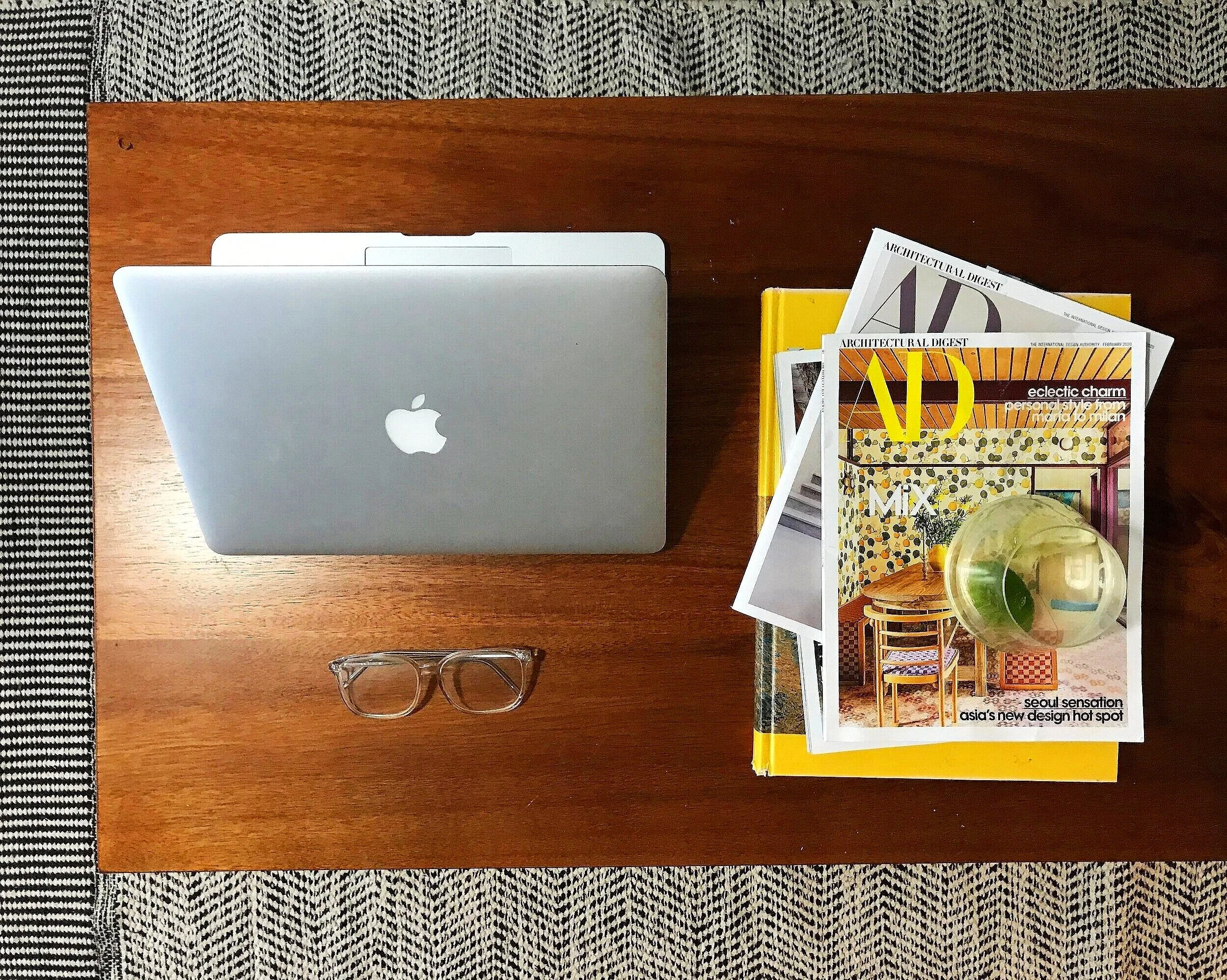
Today marks the one month mark of me working from home due to the stay at home orders from the government due to the Corona Virus pandemic. Many of us who did not work from home are now adapting to it due to social distancing. Working from home has proven to be quite challenging for me due to the lack of structure. During this time I am learning new ways to create structure while working from home.
Below I am sharing 5 tips on how to make working at home more productive. I hope that one or more of these tips help you in some way and I am also eager to hear how you have been managing if you are working from home. Comment below or send me an email at:Lonnie.Woods.3@gmail.com.
I leave you in love, peace and style,
Lonnie
Tip #1
Make Up Your Bed
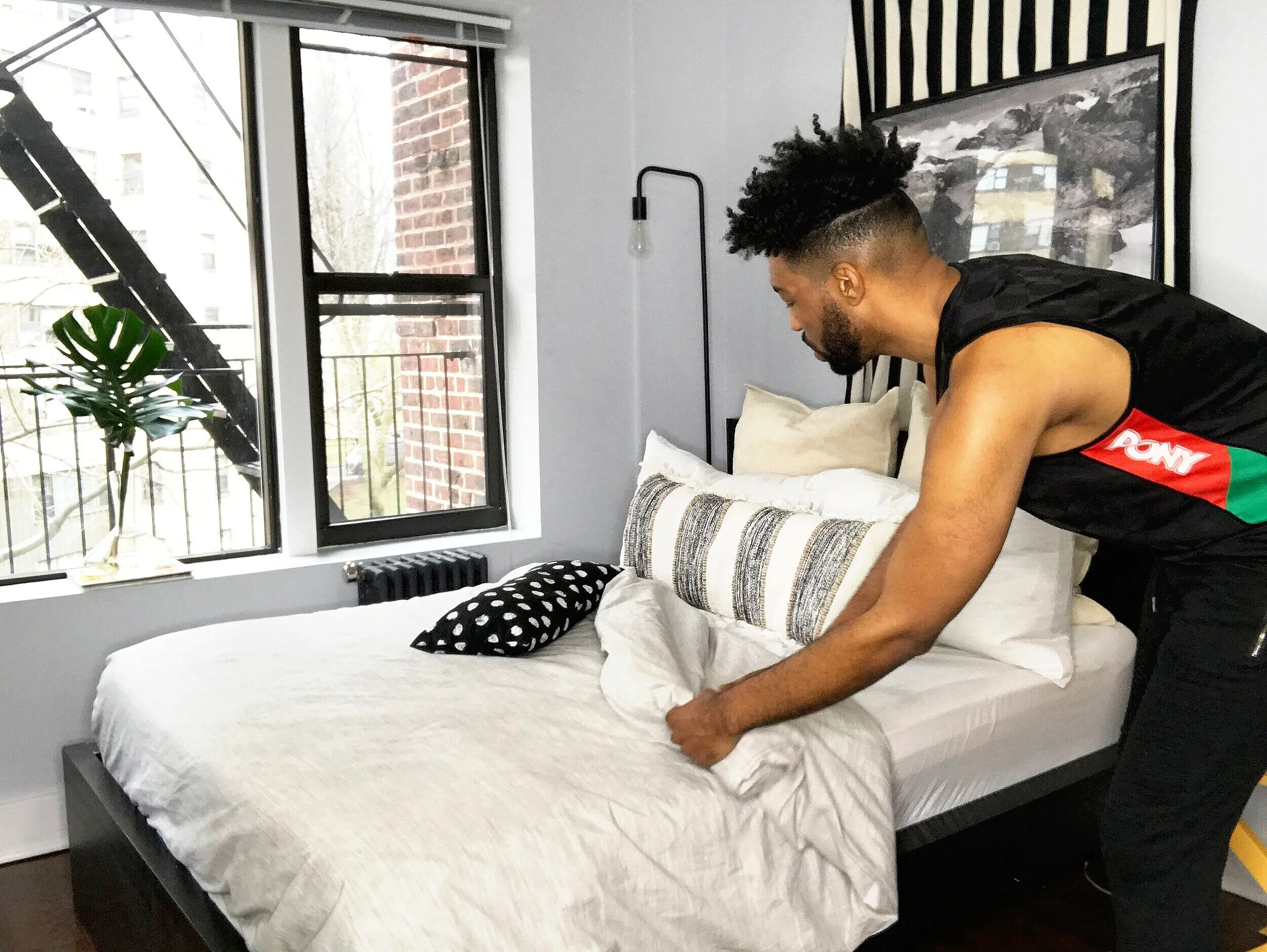
Making up your bed in the morning has been proven as a great habit to have under normal circumstances. Making the bed in the morning sets up your day for success and helps you to make a small step towards creating a neat and organized environment which trickles down to the rest of your day. Now that I am spending so much time at home It is key that I make up my bed every morning. It gives me a boost of energy and lets my mind and body know that the day is about to start. Making your bed takes less than 5 minutes but has a huge impact on my workday.
Tip #2
Keep It Moving
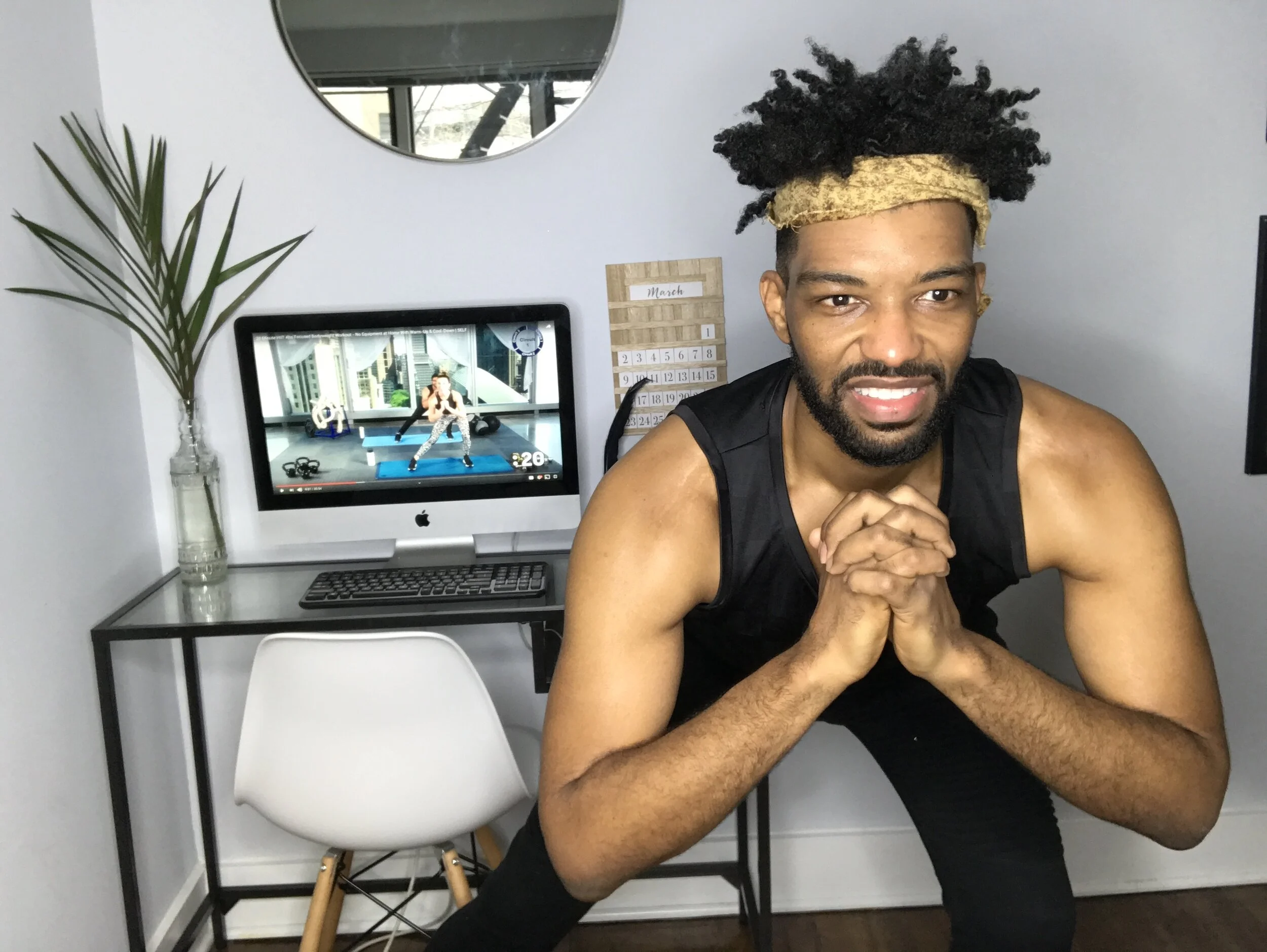
Health experts suggest that 30 minutes of exercise a day is imperative to a healthy lifestyle. And although the gyms are closed it is still important to workout. Living in New York which is a walking city I would get in cardio daily from activities like walking to the train but now that outside is closed until further notice It is important that I keep my body moving at home. Fortunately for me my top choice for working out has always been at home workouts, now the challenge is making sure that I fit in the workouts while I am at home. I watch fitness videos on YouTube from channels such as Fitness Blender and Self and they help me to stay active and allow me to mix it up.
Tip #3
Get Dressed
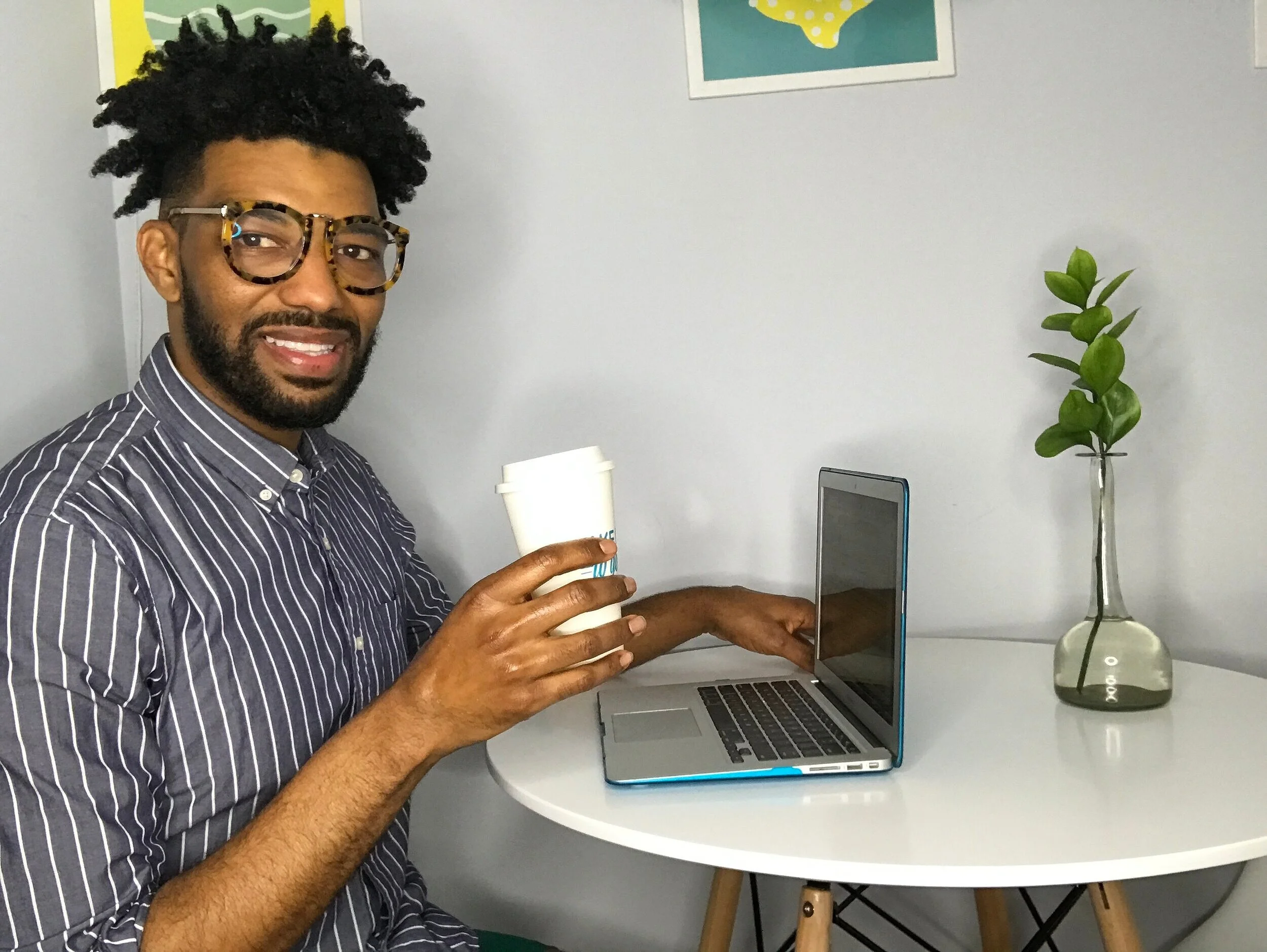
Yes, you read that right. GET DRESSED to go to work… at home. I am the first to admit that putting on real “ work clothes” to commute from the living room to the home office (my dining room table) is really hard to do. But dressing up can really change how you feel when you are working from home …even if you only dress up from the waist up for a video conference call. So the next time that you have to go to work, trade in your PJ’s for a casual work outfit..throw on a red lip, or a dress shirt or even some jewelry! Dressing up can change your mindset for the better inside or outside of the house.
Tip #4
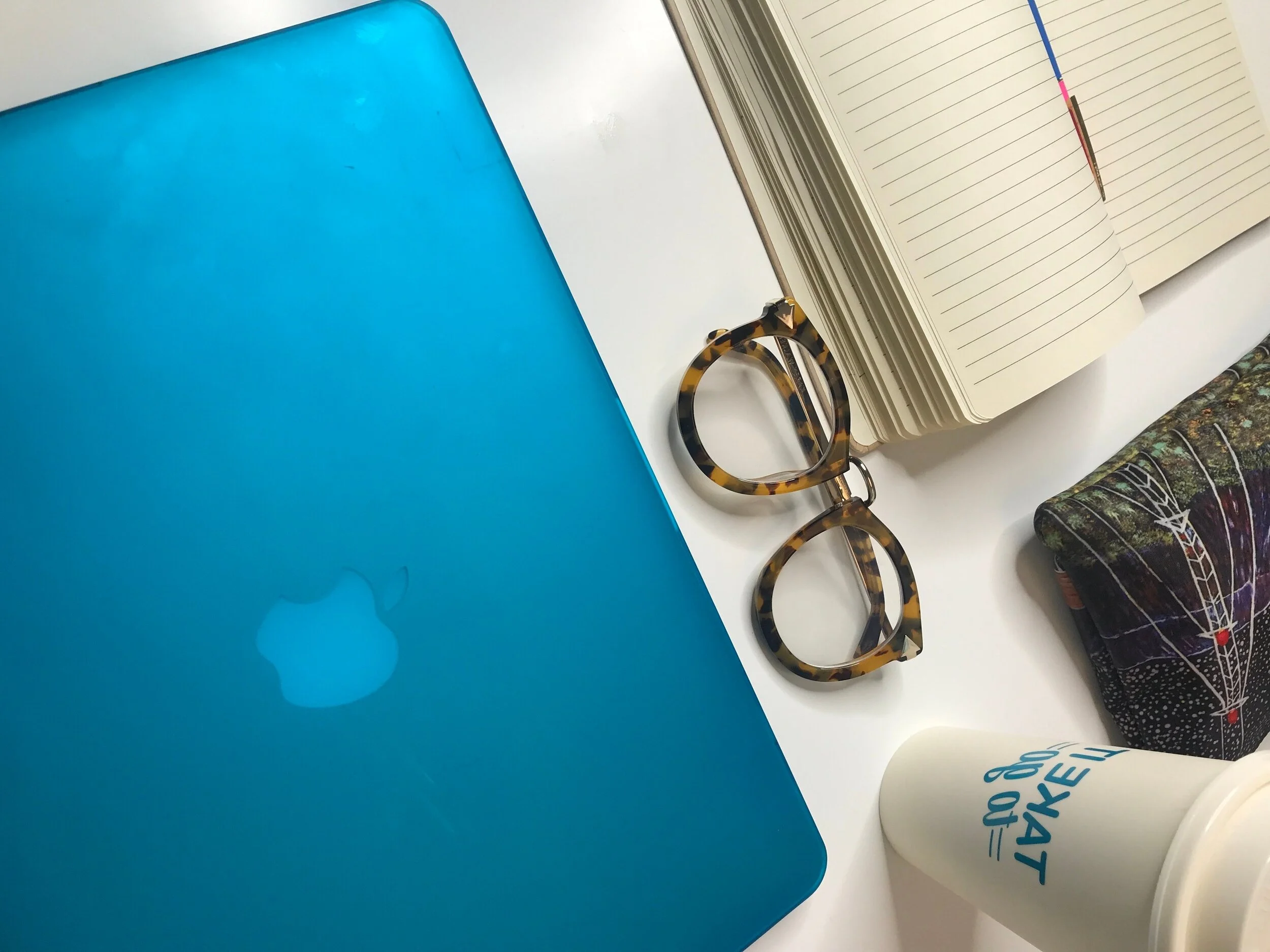
Create A Dedicated Workspace
If you are like me and you don’t have a separate home office in your home, this tip is for you. Getting all of your work done from the comfort of your bed is tempting (and hella comfortable) but I am here to let you know that it is a bad idea! Set up a dedicated workspace in your home helps you to feel like you are at work because lets face it, it is hard to train your mind to believe that it is not at home while working from home when the fridge is an arms reach away but setting a dedicated workspace can help.
Tip #5
Set A Schedule
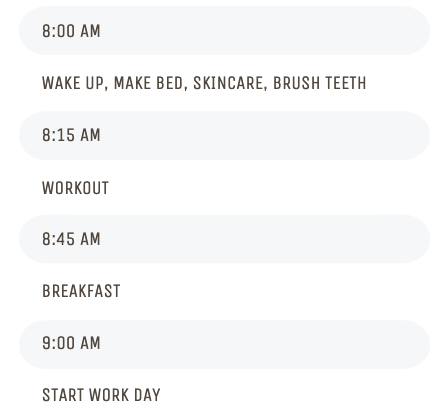
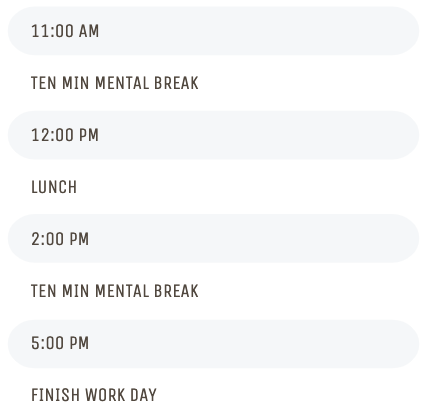
Before this stay at home mandate my work day included commuting to the office and a daily work schedule which created built-in structure to my day. Working from home does not provide the same type of structure automatically. There are no lunch breaks or in-person meetings or co-workers to interact with. Now that I am working from home I have to create structure in order to stay focused and to complete my daily tasks. The easiest way for me to build structure is to create a schedule. Below is my work from home schedule. Feel free to use it as a guide or simply for inspiration.